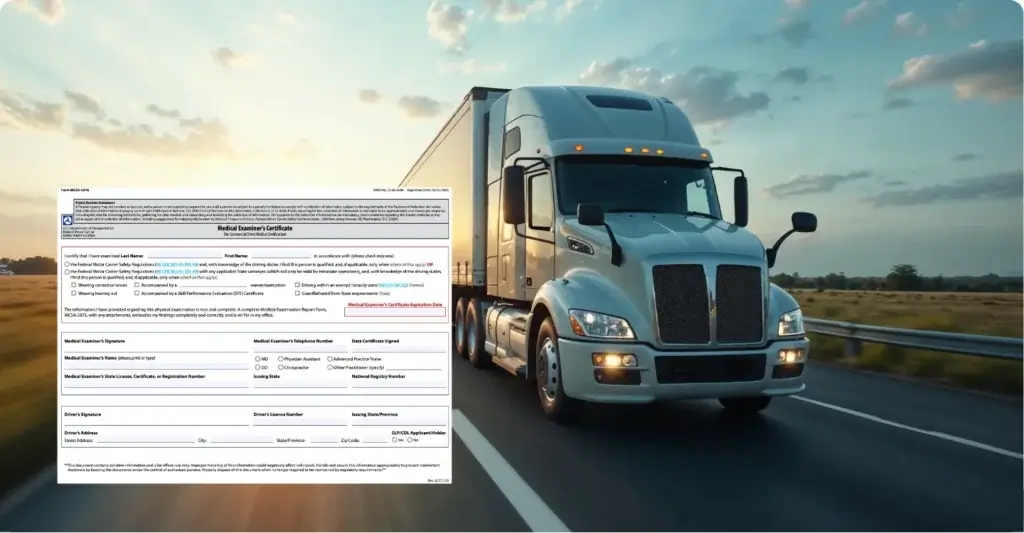
FMCSA is preparing to roll out Motus, its modernized registration system, and motor carriers should review their company information before the transition begins. The agency has already advised carriers to take important preparation steps, especially around account access and company official details.
For trucking businesses, this is not just an administrative update. Registration records are tied to authority, compliance visibility, and day-to-day fleet operations. If account details are outdated, a carrier may face delays when accessing FMCSA services, updating records, or managing required business information.
Complete the following steps in the FMCSA Portal by May 14, 2026:
- Log in to your FMCSA Portal account (portal.fmcsa.dot.gov) to verify that your account is active. If you don’t already have a Portal account, you can create one and access your data using your USDOT PIN. Get your PIN at safer.fmcsa.dot.gov.
- Please be aware that accounts on the FMCSA Portal are archived after 12 months of inactivity and disabled after 90 days. If your account is disabled or archived, reach out to the FMCSA Contact Center at www.fmcsa.dot.gov/registration/ask-fmcsa to have your account unlocked.
- Verify the accuracy of your company details, operating classification, contact details, and the people who are permitted to access your record in the Portal.
- The FMCSA Portal allows you to update your company’s information in the same manner as a Biennial Update. In the “Registration” tab, choose “Biennial Update (MCS-150).
Fleet owners should also review their business name, contact details, DOT number information, and internal compliance responsibilities. Small errors can create larger problems when systems change. A proactive review helps fleets avoid confusion later.
This update is also a reminder to strengthen fleet management processes. Modern fleet management solutions help carriers keep operational data organized, monitor compliance tasks, and reduce the risk of missed updates. For owner-operators and fleet managers, clean records support better control across drivers, vehicles, and compliance workflows.
TruckX helps trucking fleets manage daily operations with tools built for ELD compliance, GPS tracking, dashcam safety, asset visibility, and fleet management. When regulatory systems change, organized digital workflows become even more valuable. Fleets can track key information in one place, support audit readiness, and respond faster when compliance tasks need attention. Explore our Fleet Management and ELD Solutions at TruckX.com or call +1 (650) 600-6007 today to discover more.